What is Git?

 If you search on google what is git you will get
Git is a distributed version control system for tracking changes in any set of files
but if you are new to the field of coding these words mean nothing to you.
so let me explain to you in simple word's,what exactly is GIT?
Git is a distributed version control system.. wait! I am Just kidding.let me explain you git with a simple analogy
Assume your working on a text file for your project and by chance, you deleted a paragraph and close the file. Tada! What the hell the paragraph you had written is deleted permanently. or you messed up your code to a point where "cntrl+z" can't correct it.
so what's the solution to this problem
One solution is, Always keeping a backup file before you edit or keep track of all the changes earlier for Eg. accounts_v1.txt, accounts orignal.txt, accounts_old.txt, accounts_new.txt So if you delete something later you can go back to that backup file and see what was there
but the problem with this approach is that you don't always work alone. In big projects, you work with a team and when you are working with a team you can't wait for others to share the files for you and then you start working on that.
That’s where the Version Control System (like GIT) comes into the picture. These tools help you to manage the code by keeping track of your file and you can see what was merged, what was added, what was deleted, when, and who did it…
If you were using some Version Control System and while editing the text file and by chance, you delete some important text and you also lost your backup file or forgot to backup your file. then GIT will rescue you and you can go back to the previous version and see the changes.
since now have some understanding of version control system. let's dive deep in and answer some of the question's you might have
What is a version control system?
Version control systems help us keep track of changes to our files by taking snapshots of them.
We can look at earlier snapshots and also restore our code to an earlier snapshot. This lets us work on our projects without worrying about introducing errors to partly/completely working versions and not being able to go back.
Git is one of them, probably the most popular version control system.
What is GIT?
Git projects are called Repositories and contain Git related files apart from the project files we add. These git files contain info about all the changes made - who made the changes, what changes were made, when was it made, etc. Similar to having Google Drive for file sharing, we have version control providers like GitLab, GitHub, etc. to facilitate the use of Git repositories.
The two main components of version control are:
1.Branching - allows you to duplicate the source code for yourself. You can then work on your own branch so your edits do not immediately affect the original source code.
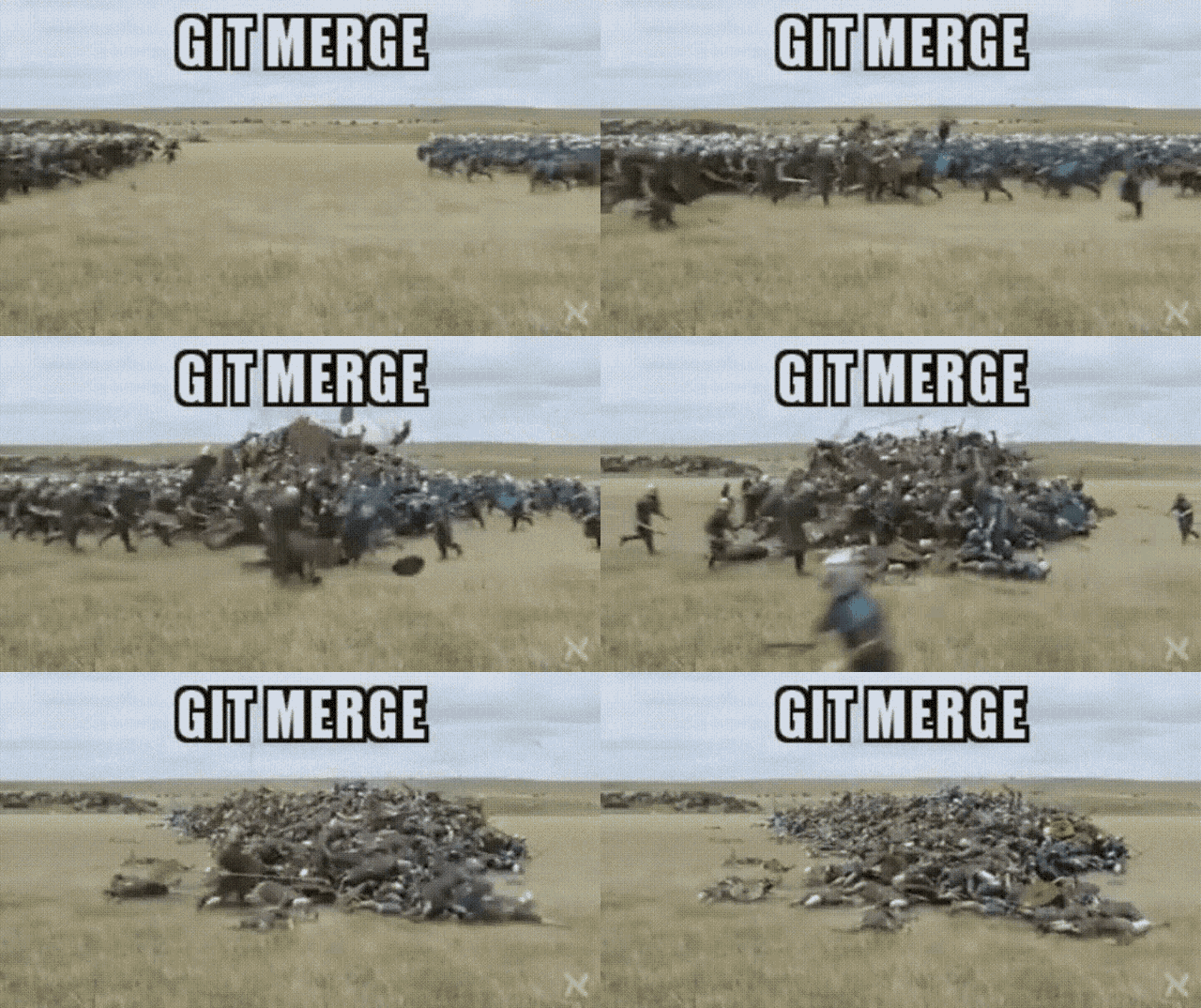
2.Merging - the process of joining your sid branch with the original source code after you are done with your code.
What is GitHub?
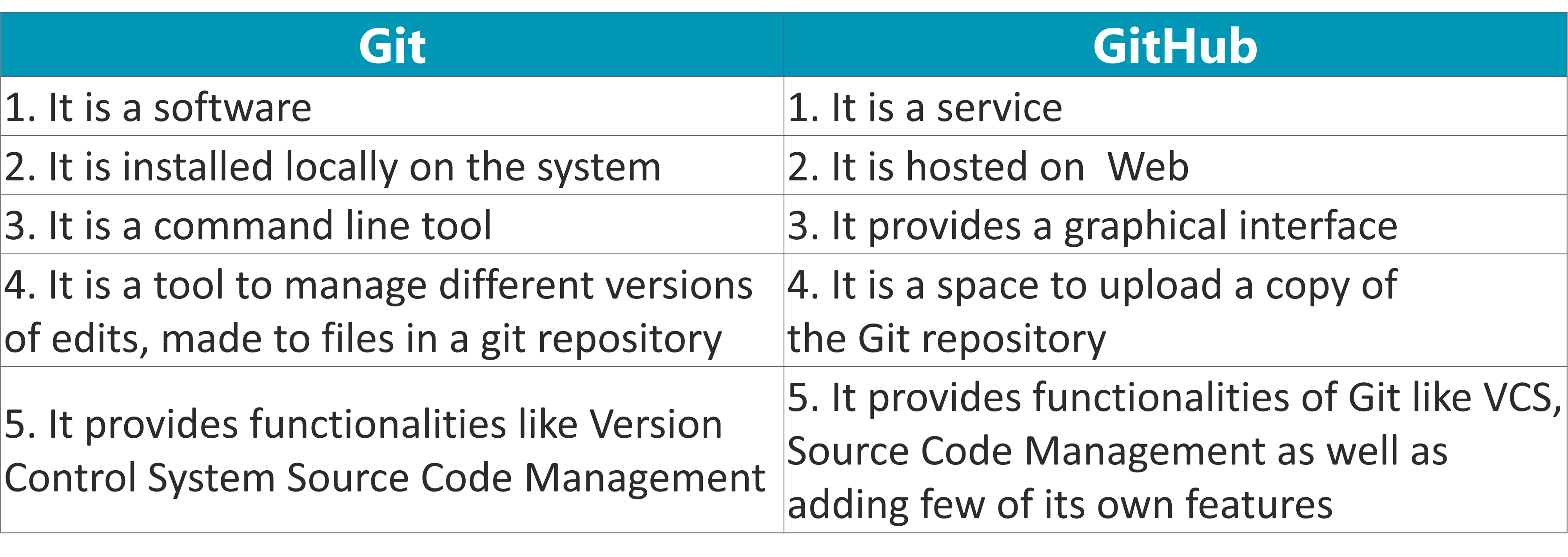
GitHub is the service that will host your Git repositories. Think of GitHub as the cloud server that hosts your source code.
This repository consists of all branches, commit, merge history, etc about our source code.
What is the relationship between Git and GitHub?
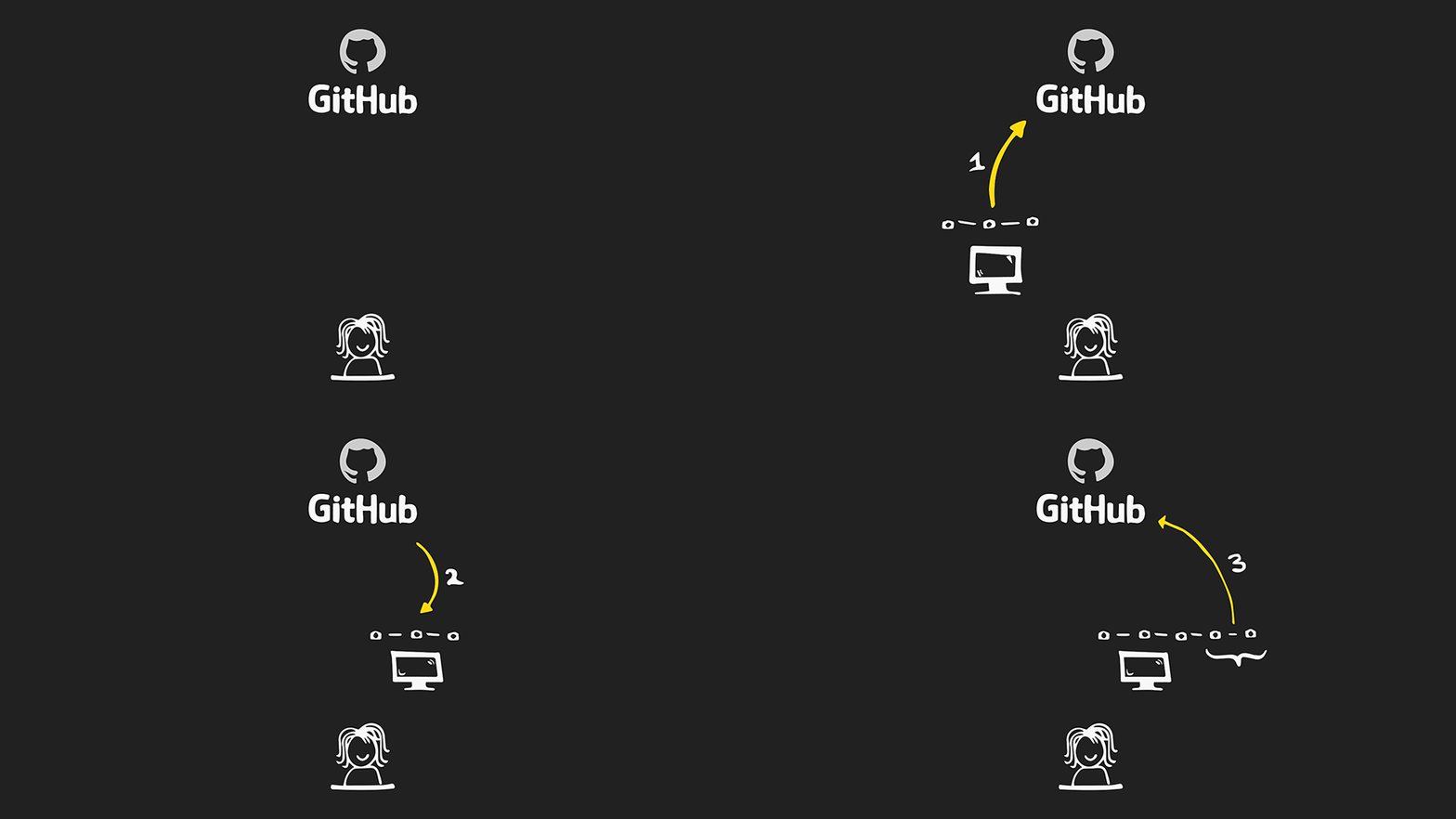
The partnership between Git and GitHub grants teams an invaluable asset - any and every modification to code is tracked through the two tools. Therefore, in the case of a mistake, the code can efficiently and quickly be rolled back to its previous state prior to the error.
Think of Git like photos on your gallery and GitHub like photos on the cloud
What are some of the commands of GIT?
git clone
The very first step is to clone the repository to your local machine. which is done using git clone git pull origin master
We usually create your own branch! If you’re working on a group project.
git add
This means that your files are tracked by Git. It tells Git that you want to include updates to a particular file in the next commit. However, git add doesn't really affect the repository in any significant way—changes are not actually recorded until you run git commit.
git status
Run git status to confirm that your files have been added to the staging area. If the name of the file is listed in green - you're good to go! If not, try adding again.
git commit -m "commit message here"
when you commit changes to the repository. we can add comment about the changes that were made, code that was written, or bug that was fixed.
git push branch_name
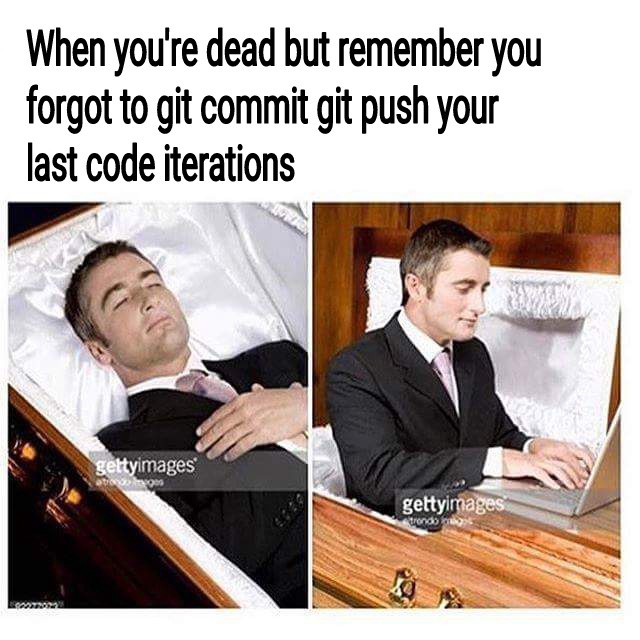 Next up - push your changes to the repository! You have now transferred your code up to GitHub. The code you've pushed up lives in the current branch you've worked on.If you accidentally push up to the master you run the risk of overwriting code the master branch which lives within GitHub.