Https byte on Crio winternship

Day 1 of Crio. do winternship
started with an introduction session by Ajay ravindra one of the founding members of crio.do we learned about the Crio.do winternship and kind of real-world projects we would be working upon and these projects sound exciting.
Just a glimpse of projects in winternship

then we moved onto our first Crio bytes that was HTTP byte introduced to us by sridher jeyachandran which was a great introduction in the world of HTTP i.e the protocol that power's the web.
I have to make a confession here even though I have been working in the industry for the past 5-6 months and had a fair knowledge about web protocol and I thought this byte would be very easy for me but man was I wrong. even I didn't have such a deep understanding of HTTPS this HTTP byte by crio was a real learning opportunity for me. if you are in the industry for some time and think this HTTP is for just fresher' I urge you to give Crio.do a chance you would be surprised about how many basic things we overlooked.
We can't imagine our life without the internet but have you ever wondered
How the internet works?
What exactly is the internet?
In simple words Internet (or The Web) is just a massive distributed client/server information system. you as a client ask question's to a server and it returns an answer to you and it does that with the help of https protocol
In this HTTP byte. I learned about this HTTP protocol which "power's the web."
Let me give you a glimpse of what I learned in this crio byte and what all questions I can answer confidently after going through the crio HTTP byte.
If you feel like you didn't know the answer's to any of these question's think about trying crio free web developer program
1.What is Https.?
 HTTP stands for Hyper Text Transfer Protocol.
HTTP is the protocol that is used by web servers and browsers to communicate. HTTP is based on a request and a response.
Ever wondered what happens when you type www.google.com on a browser and press enter?
The answer lies in the HTTP protocol.
When we enter a website URL, the browser creates an HTTP Request on our behalf and sends it to the server on which the website is hosted. The HTTP response from the server is read by the browser and rendered for us beautifully as web pages on our screen.
I hope this gives you an understanding of how important the HTTP protocol is. Each of the images, CSS file, JavaScript file, or any other resource the website uses requires an HTTP request each to get rendered on your screen.
HTTP is a text-based protocol. It is made up of requests and responses Its’ responses have a status code
HTTP is a pull protocol, the client pulls information from the server (instead of server pushes information down to the client).
HTTP is a stateless protocol.Means the current request does not know what has been done in the previous requests.
2.what port number’s HTTP andHTTPS uses.?
By default, HTTP uses port 80 and HTTPS uses port 443
3. Why is there a lock icon in the address bar of your browser?

The lock icon, displayed in a web browser indicates a secure mode where communications between browser and web server are encrypted. This type of connection is designed to prevent anyone from reading or modifying the data you exchange with the website.
4.What is a URL.?
Before reading further wait for 5 seconds do you know the full form of URL.?
URL stands for Uniform Resource Locator It is used to uniquely identify a resource over the web.
Syntax of an URL is protocol://hostname:port/path-and-file-name
There are 4 parts in a URL:
Protocol: The application-level protocol used by the client and server, e.g., HTTP, FTP, and telnet.
Hostname: The DNS domain name or IP address of the server.
Port: The TCP port number that the server is listening for incoming requests from the clients.
Path-and-file-name: The name and location of the requested resource, under the server document base directory
5.What is the status code in HTTPS?
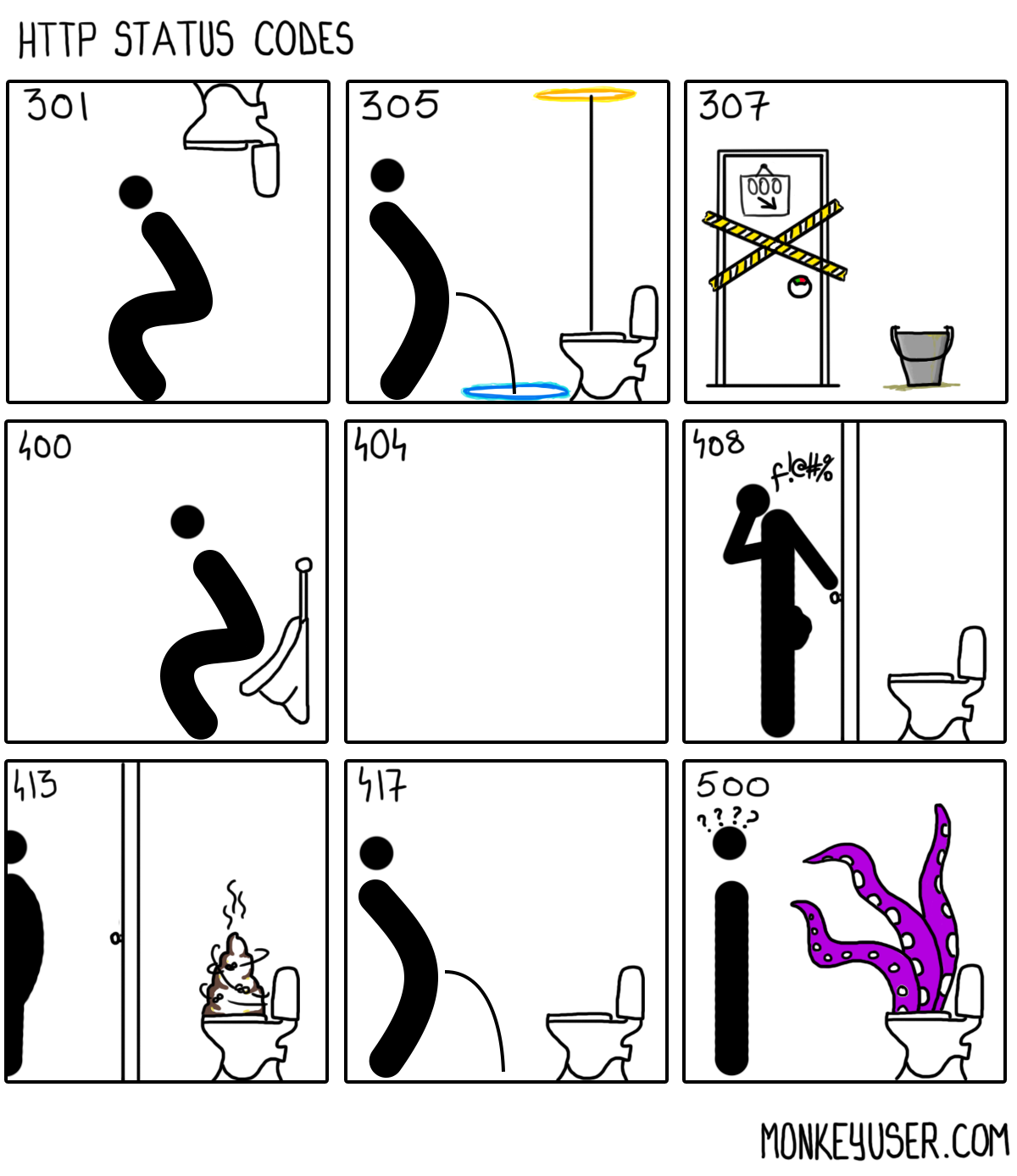
HTTP Status codes are part of the HTTP Response. It helps the client understand what happened to the request. Status codes are 3 digit numbers (201, 304, etc) and are categorized into 5 different families based on their starting digit. Along with the status code, a Reason-Phrase is also present (OK, Moved Permanently, etc) which gives a short description of the status code. The Status-Code is intended for machines whereas Reason-Phrase is for humans The 5 families of status code are :
1xx (Informational): Request received, server is continuing the process.
2xx (Success): The request was successfully received, understood, accepted and serviced.
3xx (Redirection): Further action must be taken in order to complete the request.
4xx (Client Error): The request contains bad syntax or cannot be understood.
5xx (Server Error): The server failed to fulfill an apparently valid request.
6. What are different HTTPS request methods.?
Https can be used to Upload data to the server eg: Add a profile picture to Facebook, Update some data present in the server eg: Change your Facebook display name, Delete some data present in the server eg: Remove contact information from Facebook
We need different HTTP request methods for these tasks
Some of the common HTTPS request methods are
1. GET requests are used to "get" resources from a server. By definition, GET requests should only fetch data from the server and shouldn’t change the data stored on the server.
2. POST requests are used to send some data to the server. Some use cases are to submit data from a web form or to upload a file to the server.
3. PUT requests are used to update data on the server-side. This could be for actions like changing your Facebook relationship status, updating a student’s marks on the college server after improvement exams, etc.
there are many more request method to know about all of them you can refer to http-methods
7.what is Curl? where is it used.?
CURL name stands for “Client URL”.
A curl is a command-line tool that allows us to do HTTP requests from the shell.
You can make HTTP requests using cURL just like in a web browser.
Whether it’s testing the output of an API before deploying it to production or simply fetching a response from a website (for instance, to check it’s not down), Curl is practically omnipresent.
8. What is the difference between HTTP and HTTPS?
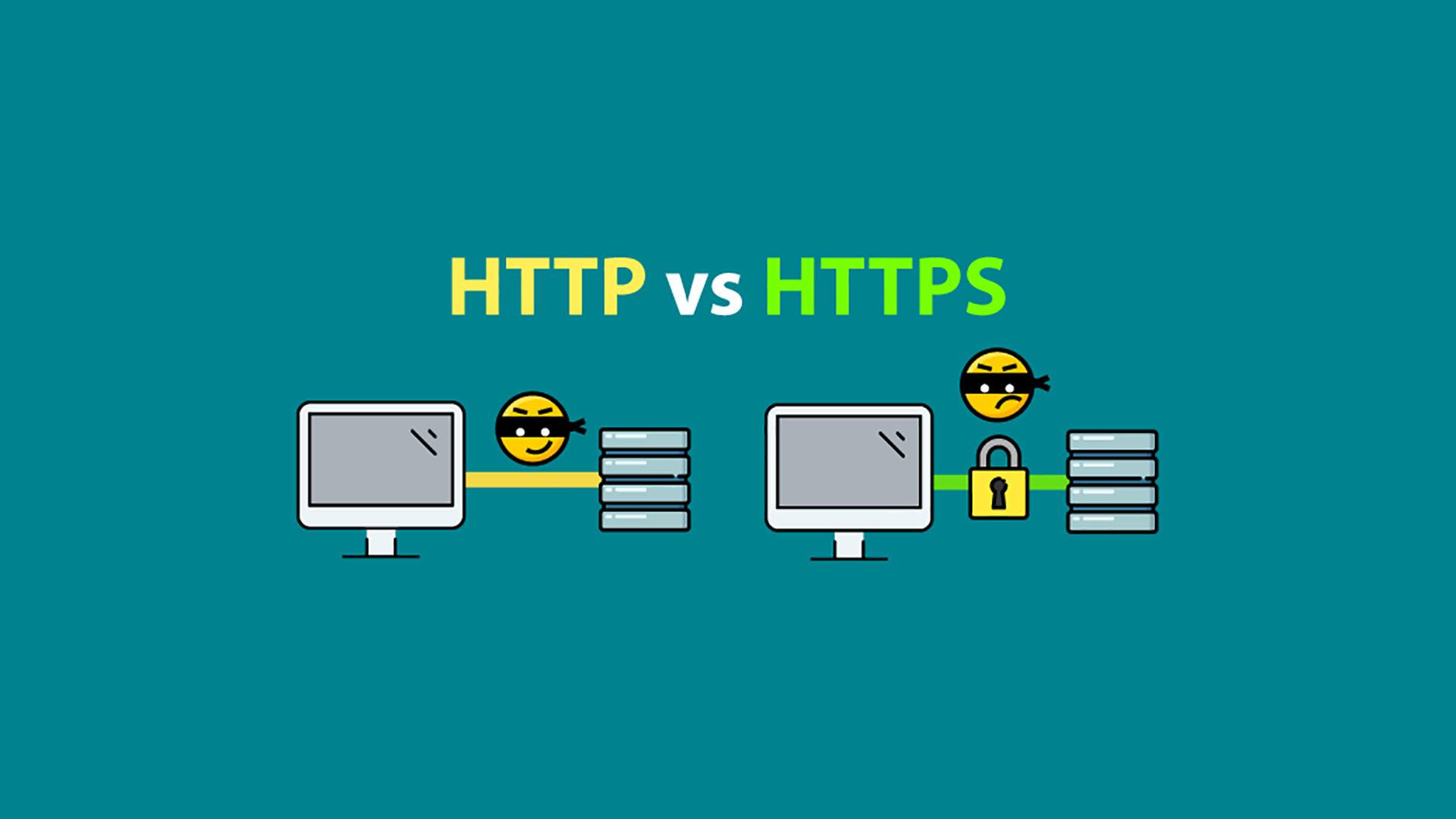
Major differences between HTTP and HTTPS are.
1.HTTP is unsecured while HTTPS is secured.
2.HTTP sends data over port 80 while HTTPS uses port 443.
3.HTTP operates at the application layer, while HTTPS operates at the transport layer.
4.HTTP requires No SSL certificates, whereas HTTPS requires you to have an SSL certificate and which is needs to be signed by a CA.
5.There is no encryption in HTTP, with HTTPS the data is encrypted before sending.